![Orchidea logo white with orange dot.png]](https://knowledge.orchidea.dev/hs-fs/hubfs/Orchidea%20logo%20white%20with%20orange%20dot.png?width=161&height=51&name=Orchidea%20logo%20white%20with%20orange%20dot.png)
Copy or move single proposal
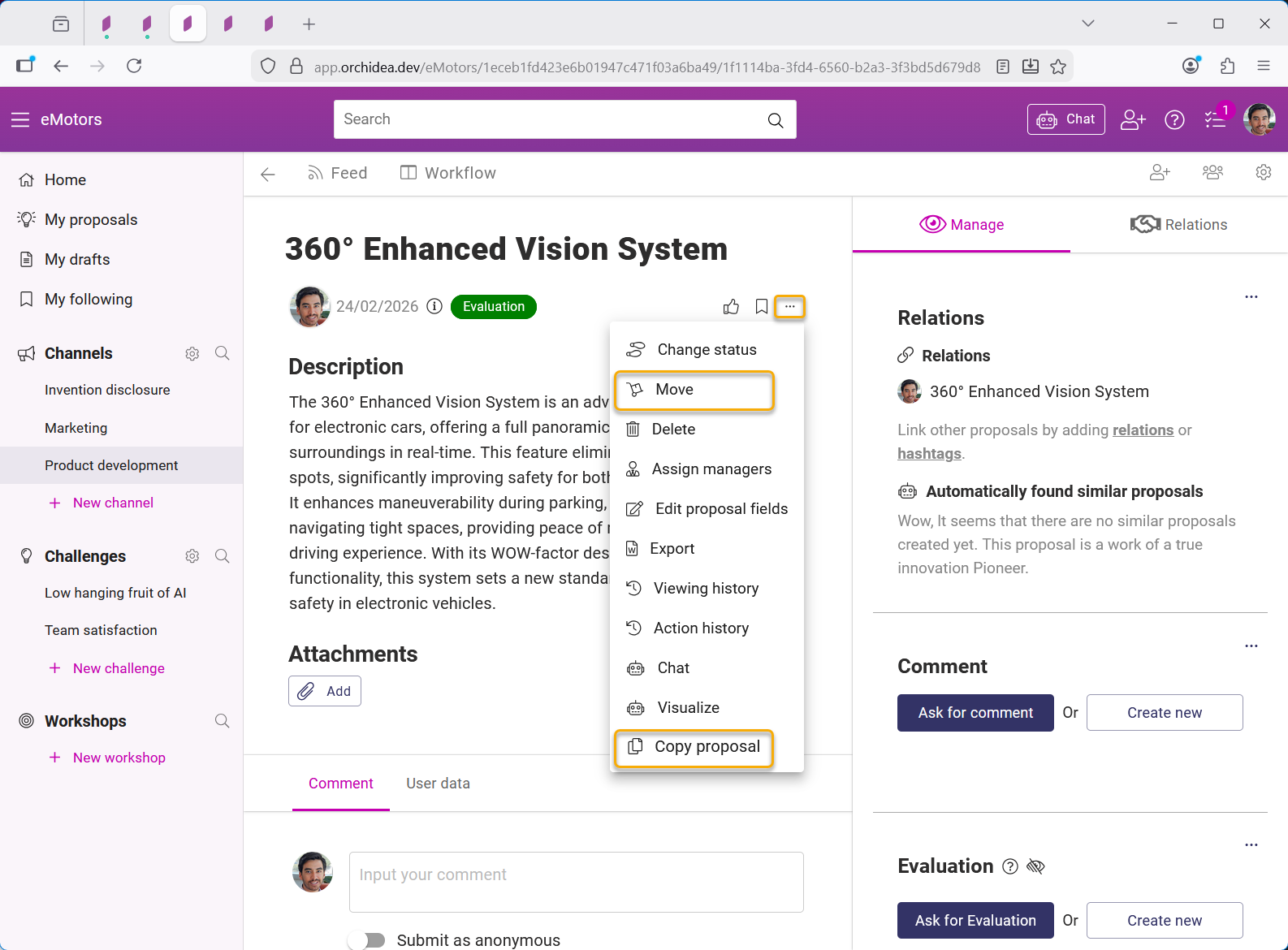
- Open a single proosal by clicking it.
- Clicking the three dots -icon and click Copy proposal or Move.
- In the opening menu, check the boxes on the information you want to be copied to the duplicate proposal.
- You do not need to these selection when the proposal is moved as then everything is moved.
- Then select the channel, challenge, or workshop you want the proposal to be copied into from the dropdown menu.
Copy or move multiple proposals
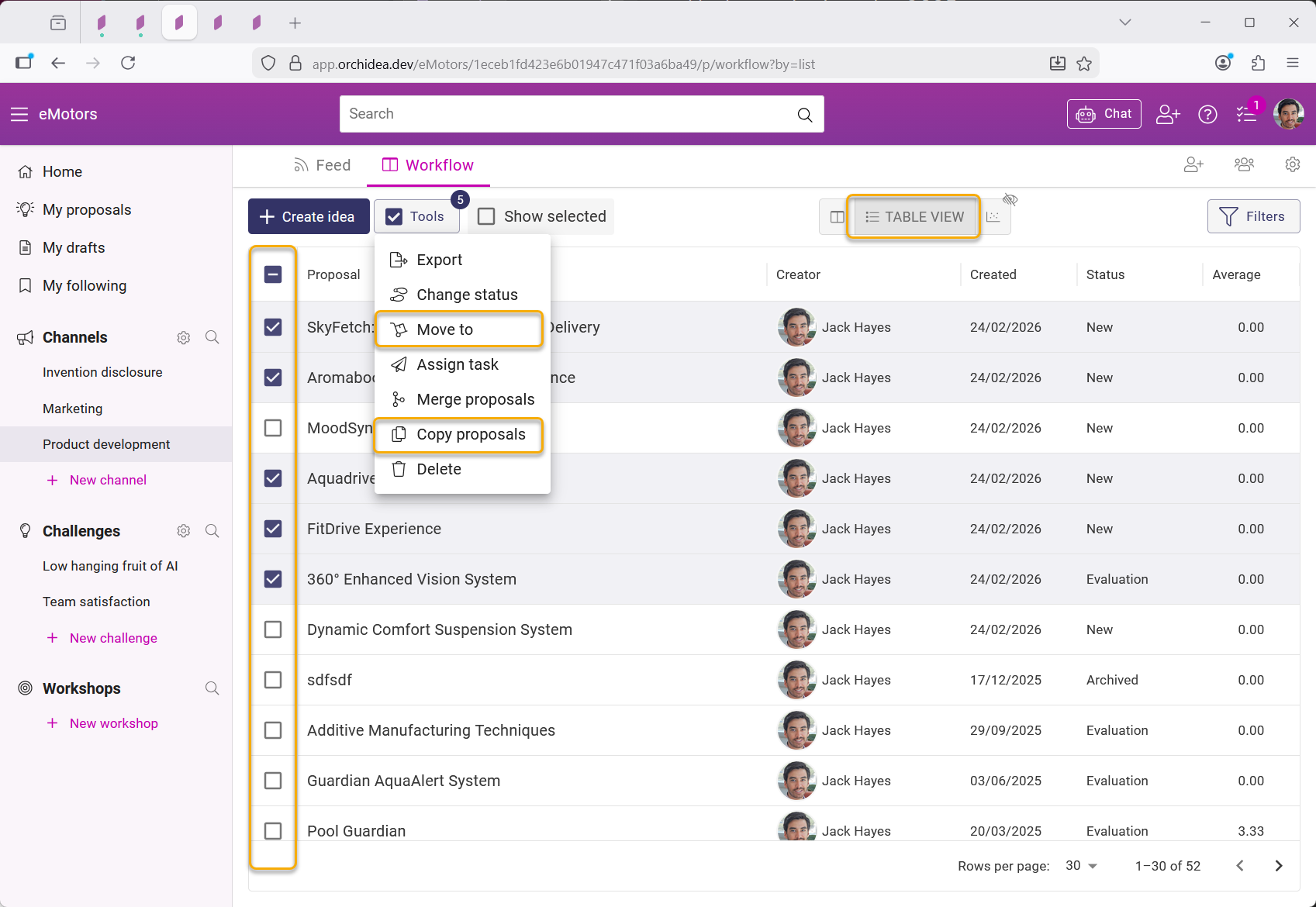
- Open the Table view in you channel, challenge, or workshop
- Select the proposals that you want move or copy in the table
- Click Tools and select Move to or Copy proposals in the appearing menu