
Mention a person to a post
You can mention a person to any text field by using @-sign.
Here's how you can mention a person:
- Go to a text field. It can be a comment or a proposal creation form description for example.
- Write the**@-sign** and start writing the person's name.
- From the opening menu click on the person's name.
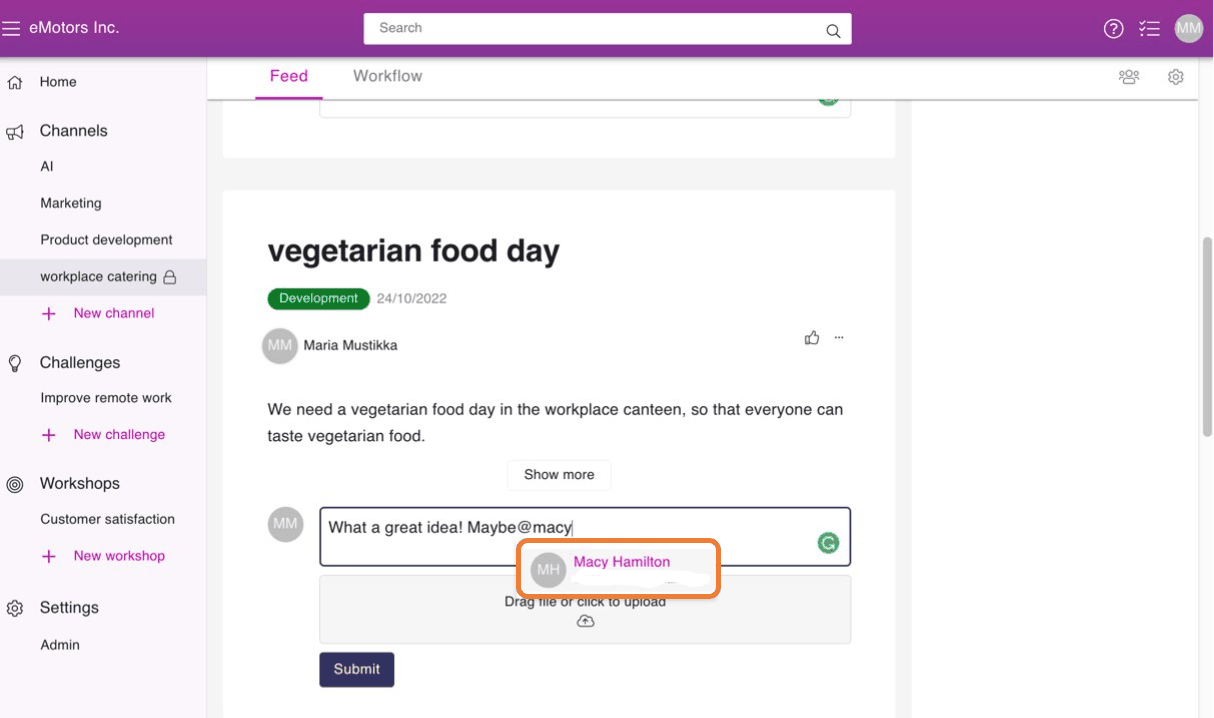
- Publish your comment, proposal etc.
The mentioned person will get an e-mail. Orchideas sends "Your expertise is needed" e-mails once an hour so they won't be notified right away. The e-mail will contain all the mentions and given tasks from the last hour. This way you won't get multiple e-mails.