
Adding tabs and adjusting their name and order
You can add and remove tabs in the channel and challenge based on your needs. You also have the option to change tab names and order.
Needed plan
📌 This feature is available on Orchidea Professional and Enterprise plans
You can modify the settings related to the tabs in the channel and challenge in the following manner
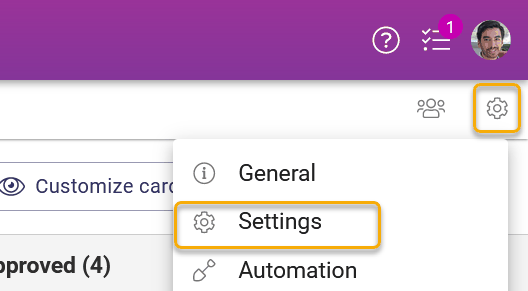
Click the channel or challenge settings icon in the top right corner of the respective channel and choose Settings in the appearing menu
Navigate to the bottom of the appearing page and click Edit setting on the right side of Channel tabs or Challenge tabs
You can modify the following properties
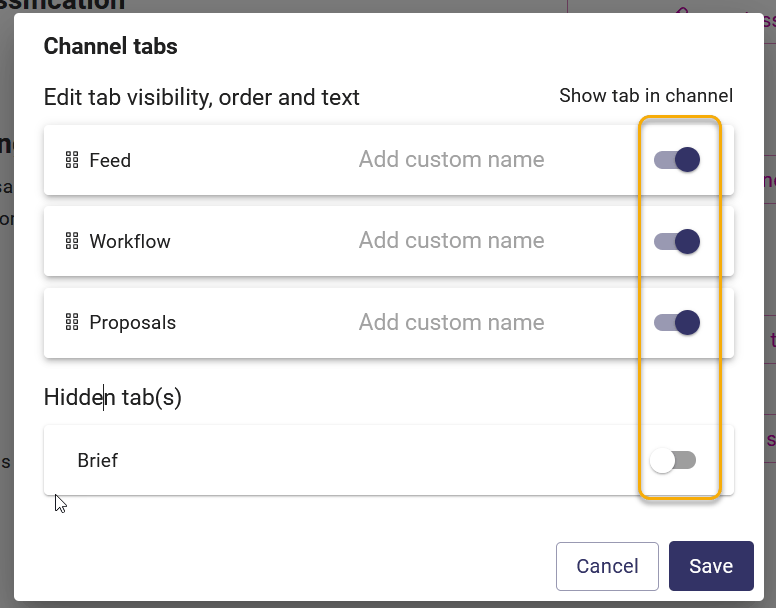
Tab visibility by clicking the switch at the end of each tab row
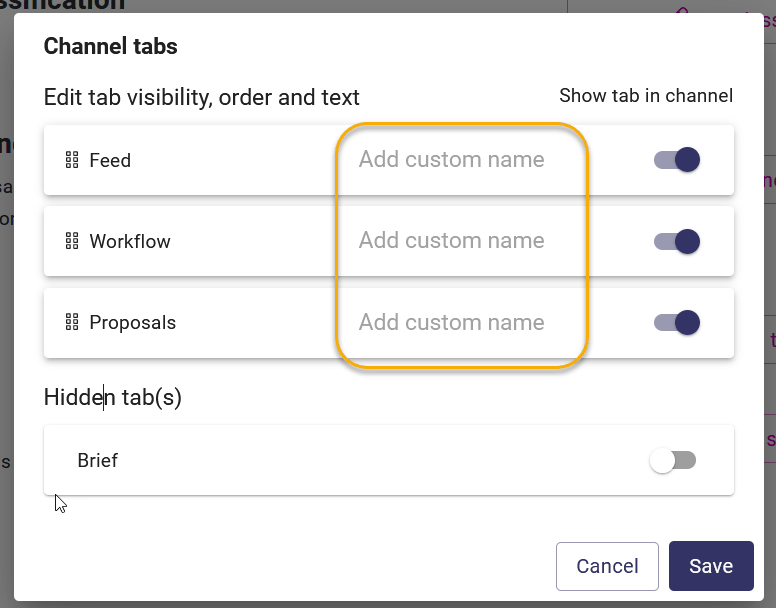
Tab name by adding a custom name to the middle part of the tab row
Tab order by dragging and dropping the tab row by clicking and holding the row

Once you have completed adjusting the tab settings, click Save in the bottom right corner of the modal window.