
Filter proposals in the workflow
Filtering proposals helps to find what you're looking for
Notice!
Filtering in the Kanban view only applies to proposals currently visible on the board. Closed statuses show only 10 proposals at a time, so filters do not apply to hidden proposals. To filter all proposals, use the List view.
Go to your workflow
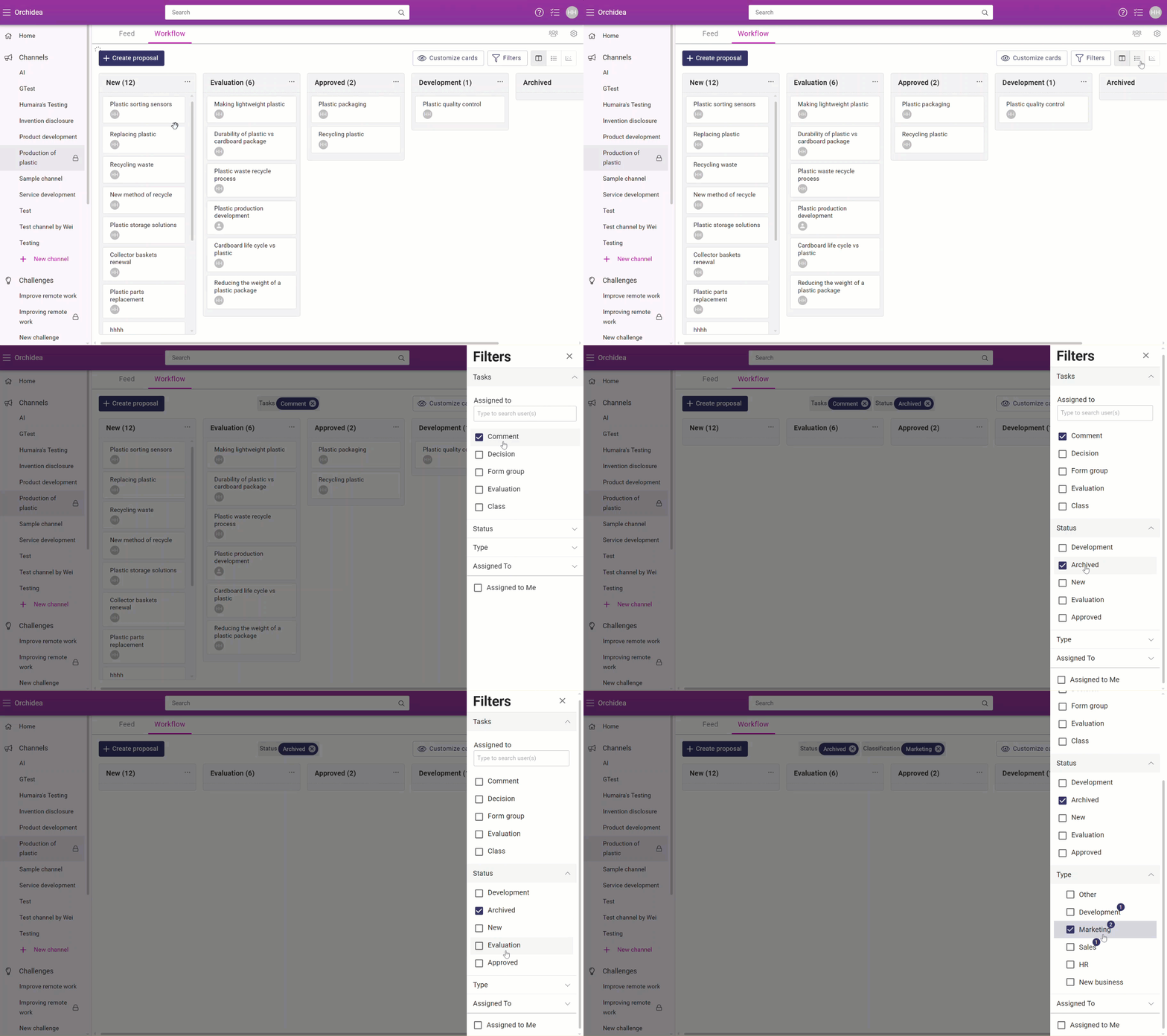
Choose filters from the up right corner
You have multiple filter options to choose from
Creator
Filters proposals by proposal creator.
Created
Filters proposals by proposal creation date. You can choose date range.
Tasks
Filters proposals by task related form or by the person tasks are assigned to.
Status
Filters proposals by their current status.
Reactions (votes)
Filters proposals by given reactions
Hashtags
Filters proposals by related hashtags
Assigned to
Filters task by the assigned manager.
More filters
All classification filters can be found from under more filters.
Extra
- Assigned to me- option shows proposals assigned to you.
- My proposals shows your own proposals
- Has no comments shows proposals which havent been commented.