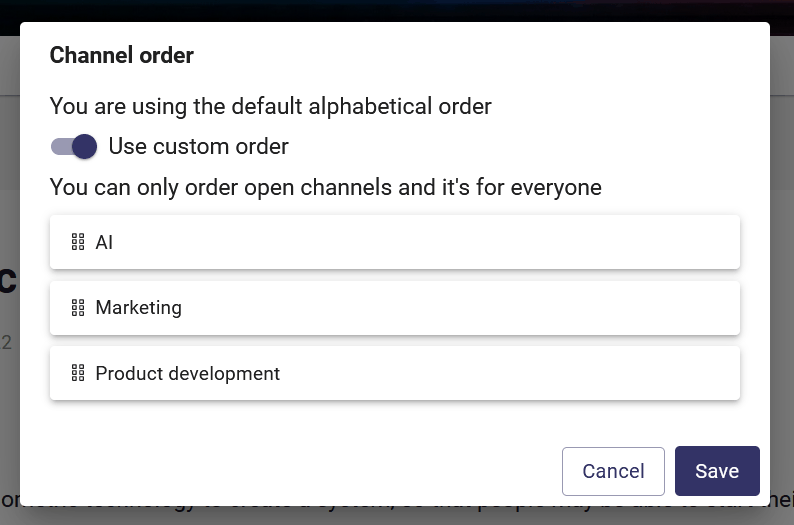
Customize channel order in the main navigation
Channels are by default in alphabetical order in the main navigation. However, you can customize the order manually if needed.
Needed plan
📌 This feature is available on Orchidea Professional and Enterprise plans
You can modify the channel order in the main navigation in the following manner
Hoover your mouse over the channels in the left navigation to reveal the sprocket icon and click it

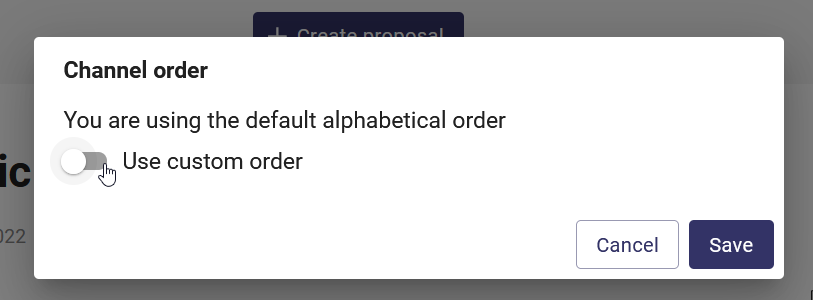
Click on the switch on the left side of Use custom order on the appearing modal.
You can then drag and drop the channels to change their order. Click Save when you're done reordering.