
Proposal management
Proposal management helps you to identify those proposals that you should invest in
The proposal management process consists of
- Statuses that communicate to the participants at what stage the proposal is in the process
- Management forms that are used for reviewing the proposals and collecting information that helps decision-makers to make an informed decision about the proposal
Manage panel
Proposal management forms are located in the Manage panel on the right-hand side of the detailed proposal description.
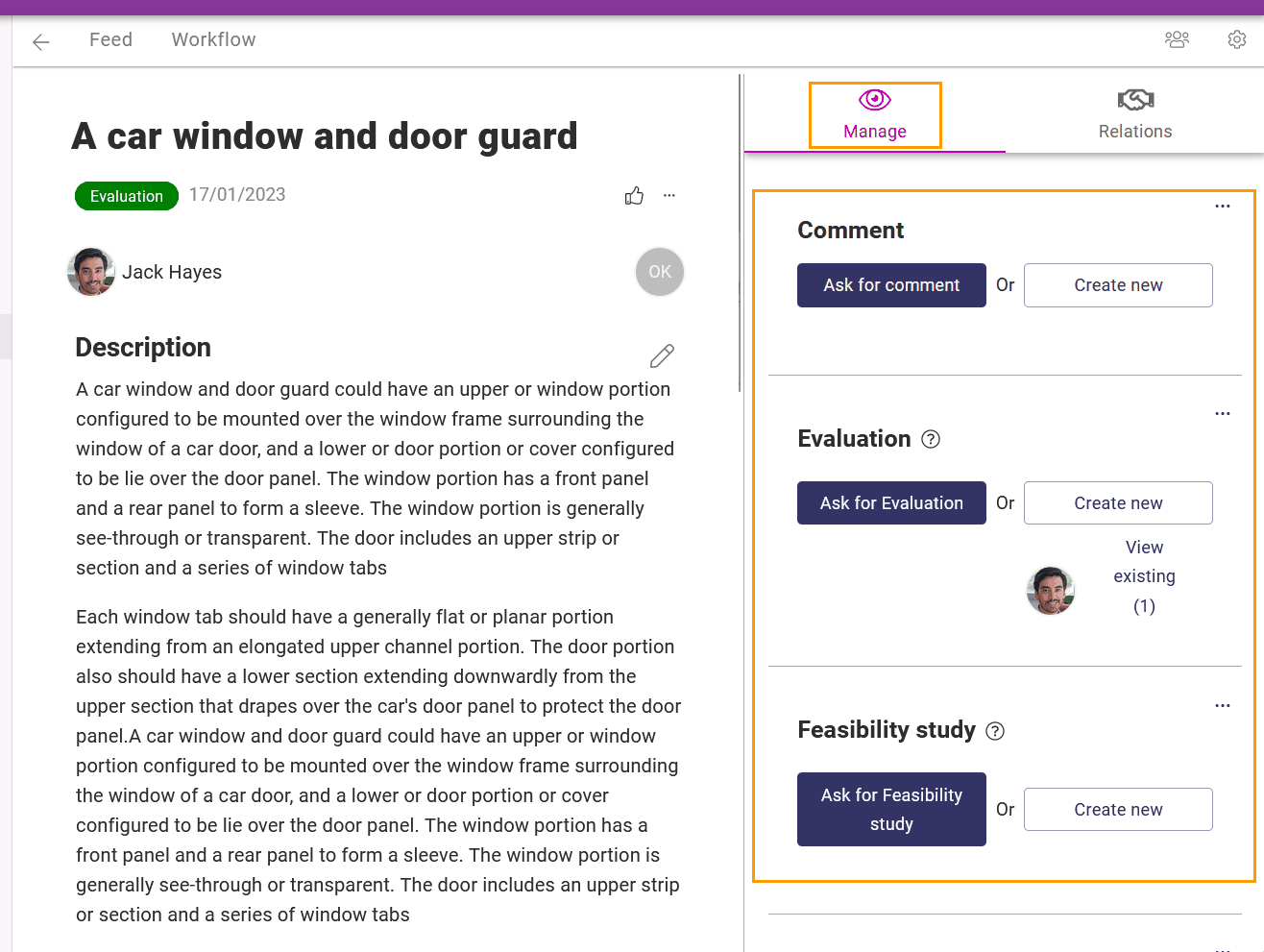
Give task or do it yourself
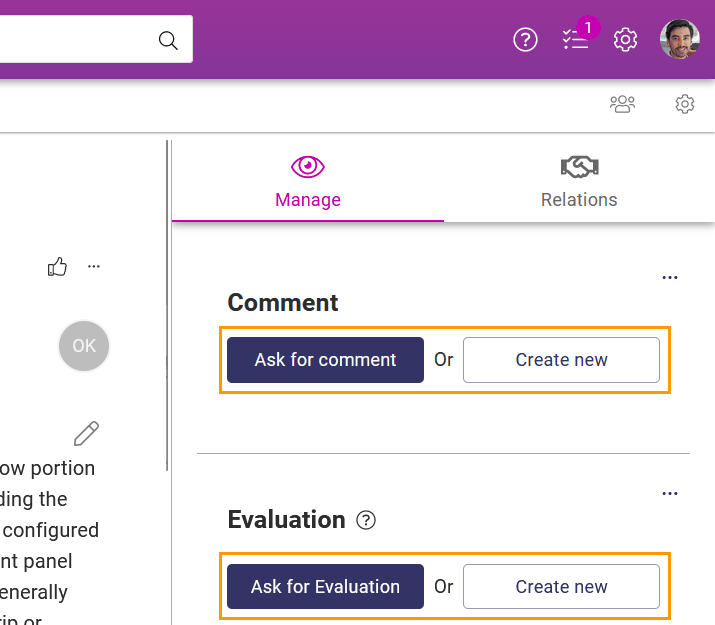
Orchidea management forms offer the channel manager always two options
- Fill in the management form with Create new or
- Assign a task form filling for one or more users with Ask for. However, the channel managers have in the settings of the form the option to hide the Ask for button for the form.
Control management panel area
As a channel owner, you can create a new form with + Add button.
- Simple forms (created with + Add form button) are used for normal management forms where the form filler just fills in the required information
- Form groups (created with + Add form group button) are used for decision-making when the form filler has to choose between two or more decisions

Example of a simple form
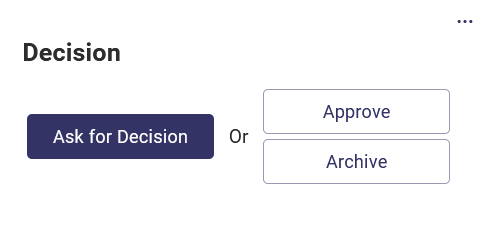
Example of a form group