Give tasks to non-members in a private channel
Tasks to non-members
Channel managers can give tasks to non-members in the private channel.
The person can see and comment only on the proposal they have been given the task for. When the task is completed, it won't be shown to the person anymore.
First, click on the proposal you want to send the task to.
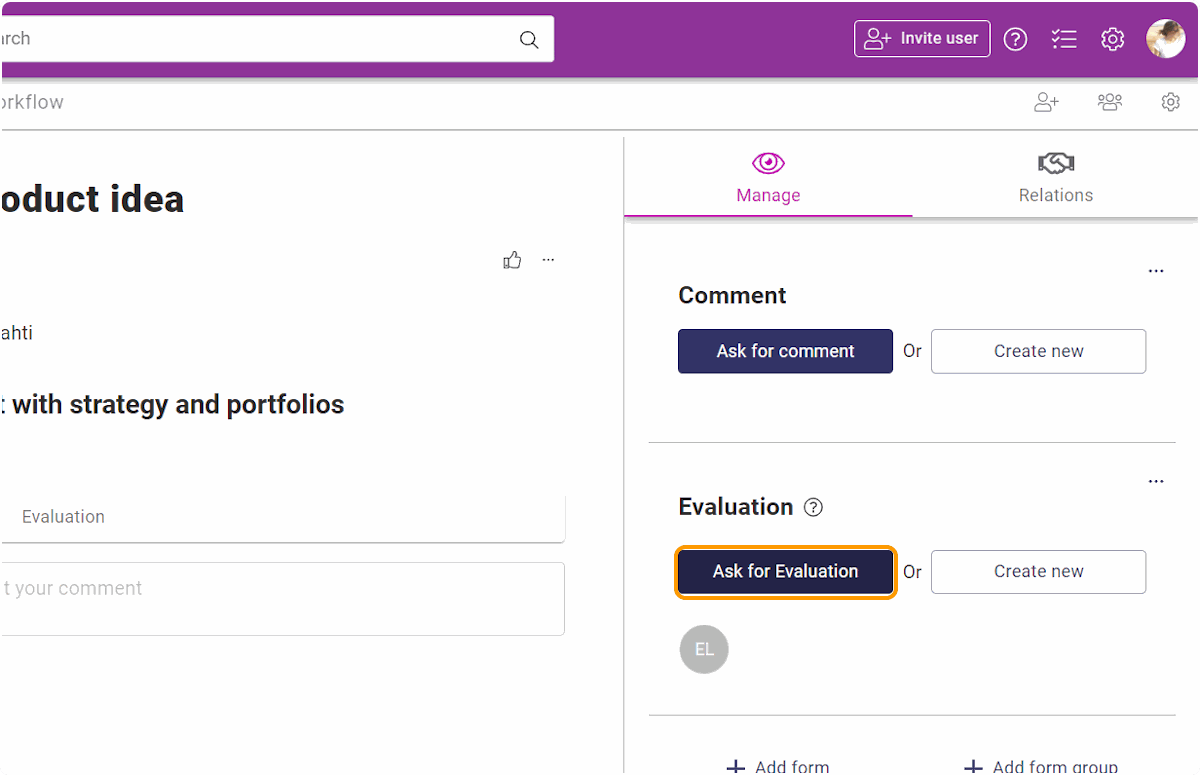
Then, click on the task you want to assign.
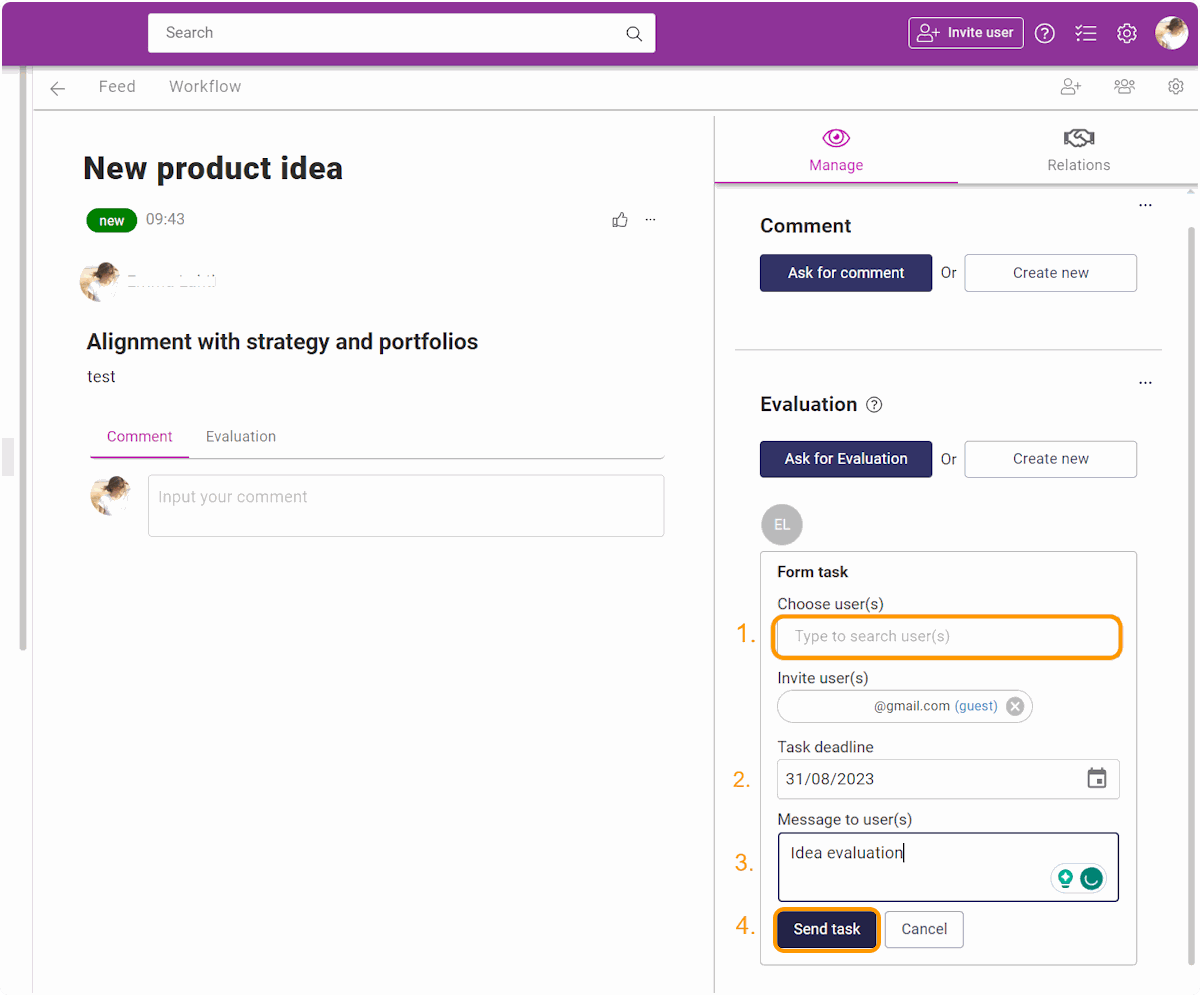
Then fill in the details:
- Type in the email of the person you want to assign the task for to the Choose user field and click enter.
- Choose the task deadlines.
- Type in the message for the assigned person.
- When all the details are filled, click on Send task.