Add hashtags
Hashtags help you find related content on the same topic.
Notice!
⚠️ Due to data security risks, visitors cannot add hashtags in the public user interfaces of channels, challenges, and workshops.
INFO
💡 If you want all channel users to see hashtags and other similar ideas easily, you should add Relations widget to the Manage panel of the channel.
Add hashtag

You can add hashtags to all text fields. Type # and the tag you want to create a hashtag.
You can find existing hashtags by typing the beginning of the hashtag after the # sign.
Find proposals
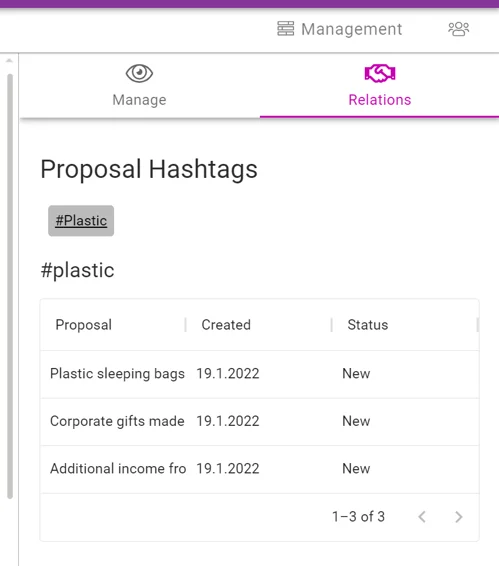
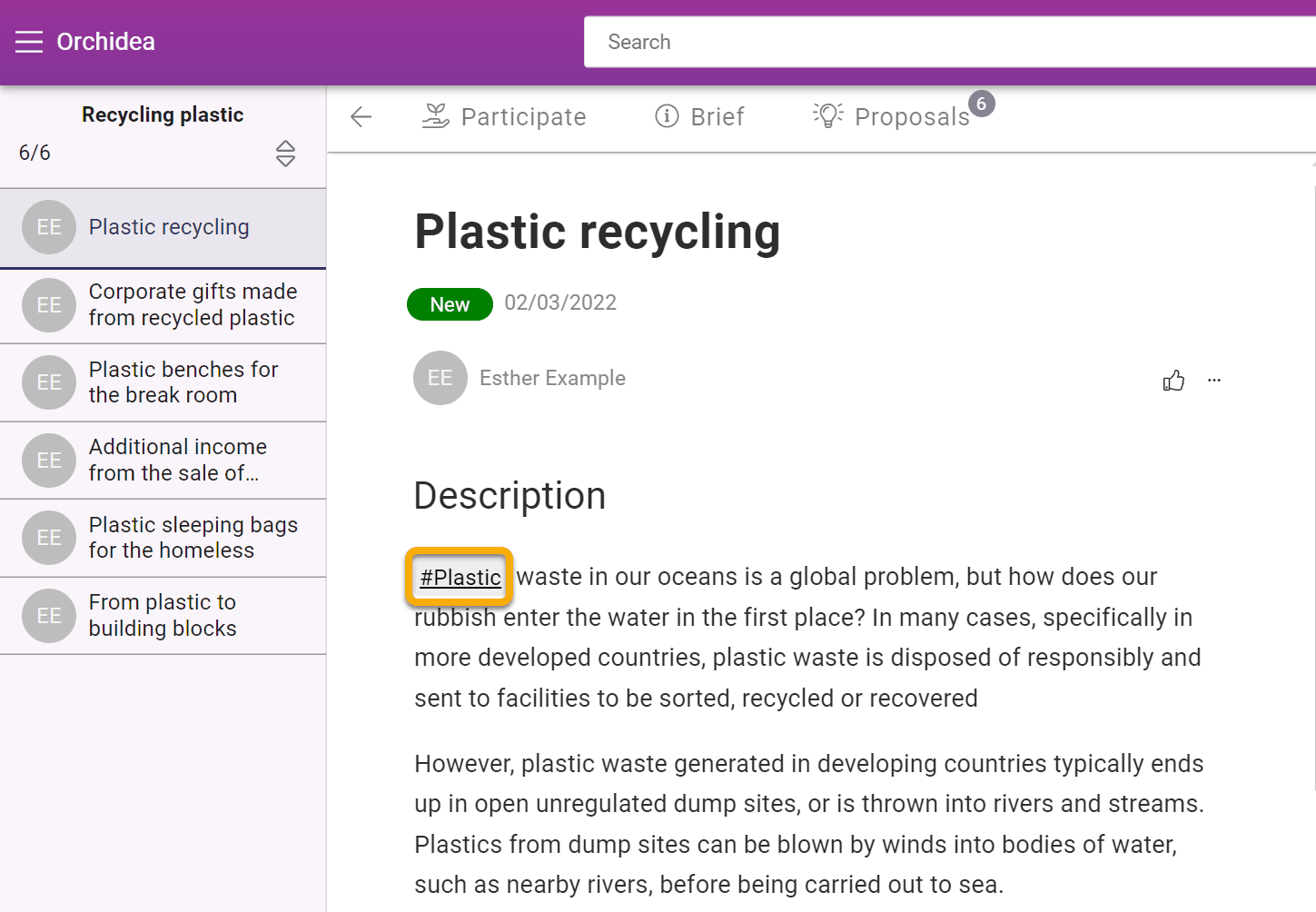
By clicking on the hashtag , you can see all proposals containing the same tag.
View hashtags
You can view all the hashtags in the proposal in the proposal hashtags view under relations tab.
Add to any text field
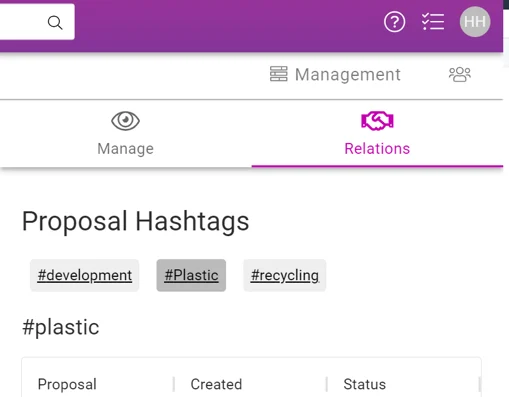
You can include hashtags in any text field , as part of the text or listed at the beginning or end of the text.
Comments
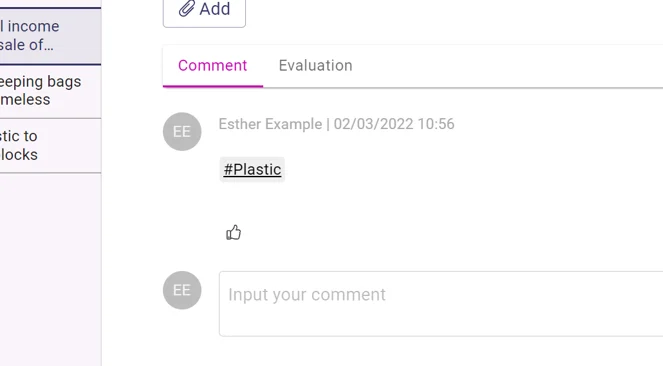
You can also add a hashtag to a proposal as a comment.