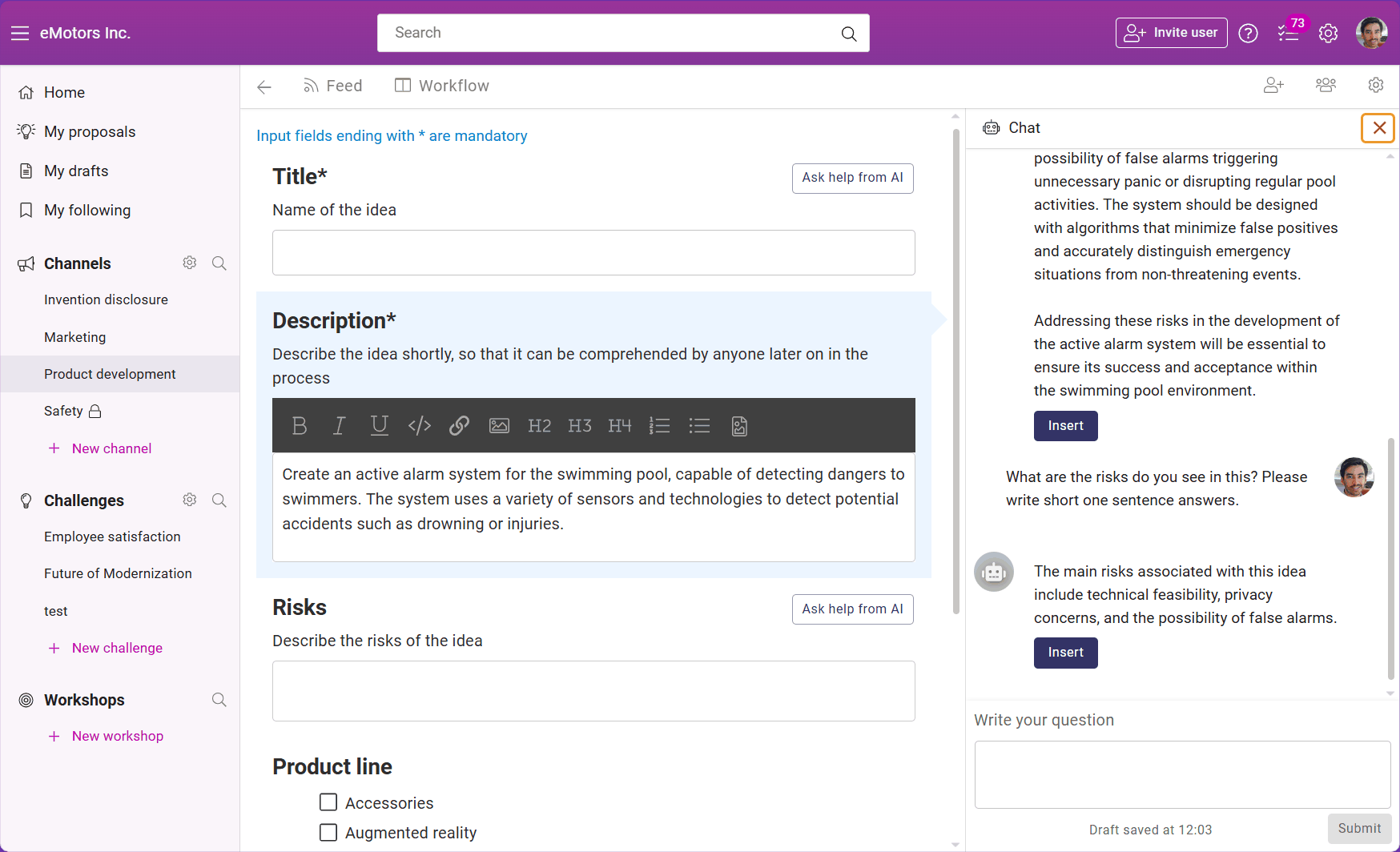
Develop your proposal with an AI chat
You can develop your proposals in channels, challenges, and workshops by chatting with AI
Needed plan
📌 This feature is available on Orchidea Professional and Enterprise plans
INFO
💡 This feature is not necessarily available in your channel, challenge, or workshop. Learn in this article how to enable it: Define the AI model and user permissions for AI features for a channel, challenge, or workshop
You can develop your proposals when you create them by chatting with AI. Here is how to do it:
Go to the proposal creation form of your channel, challenge, or workshop
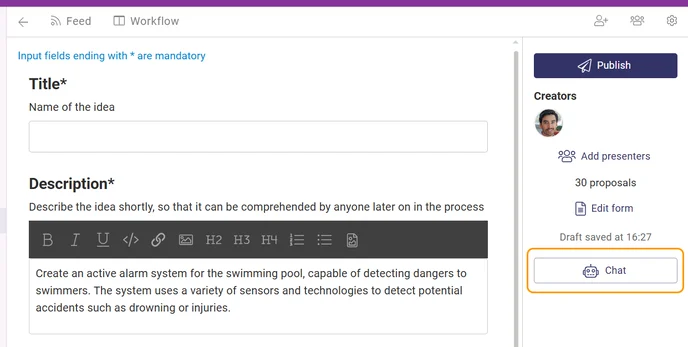
After you have written a few initial sentences of your proposal, you can start to develop it with AI chat. Click the AI chat button from the righ side and AI tries to help you with the proposal.
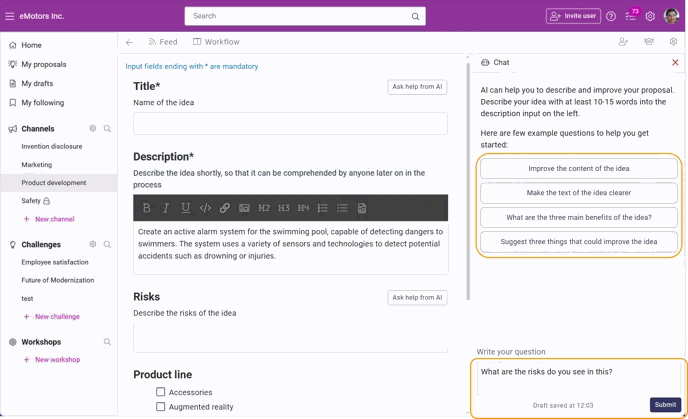
You can either start the discussion by clicking one of our example questions listed on the right-hand side or ask your own questions at the bottom of the right panel. Remember to Hit Submit after writing your own question.
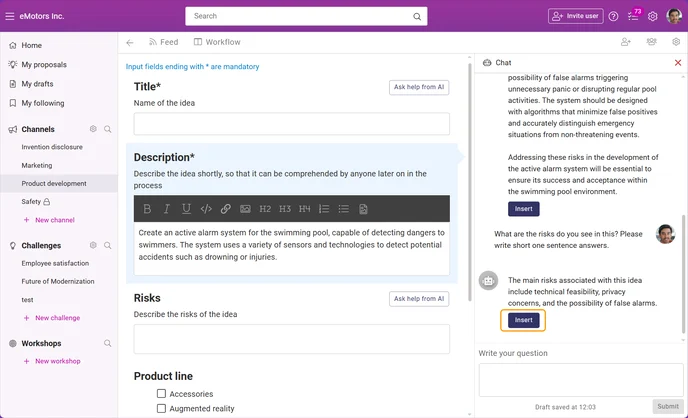
If you want to include elements of AI chat in your proposal, you can either
Select and copy part of the text to the proposal description or
Move the whole text to the bottom of the active proposal field (highlighted with a light blue color) by clicking the Insert button
You can close the chat panel by clicking the red X-icon in the top right corner of the panel